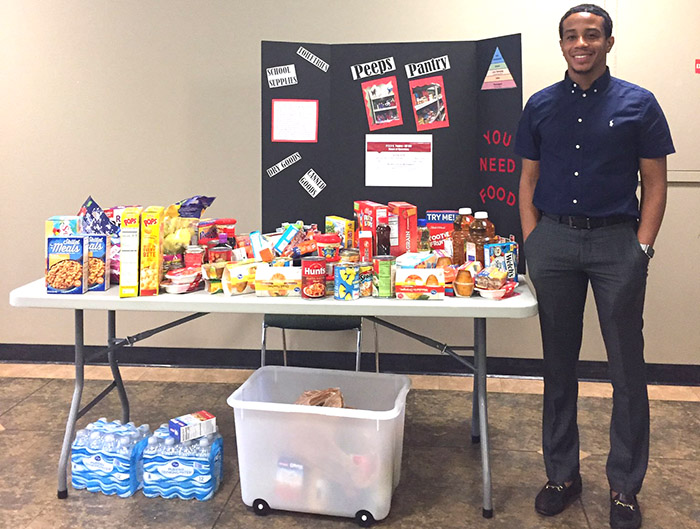
Visit Cougar Cupboard 2
The pantry is located in McElhinney Hall, Suite 2007. Please make an appointment via Navigate first. When you arrive, check in at the Student Success reception desk.
How to Make an Appointment
- Log into AccessUH (or access Navigate with your Navigate phone app).
- Select Navigate.
- Click Make an Appointment.
- Choose “Support Services” as your appointment reason.
- Select “College of Education / Cougar Cupboard 2.”
- Select an available date and time that works for you.
- If you have any special dietary restrictions or need toiletries (when available), please indicate that in the “comments” section when you make an appointment.
- Please arrive on time for your Cougar Cupboard 2 appointment.