Staff Quick Start Guide
What is AccessUH?
AccessUH is your gateway to the University of Houston's information and computing resources. Log into AccessUH with your Microsoft 365 credentials and you will get immediate access to other critical systems that you use on a daily basis including myUH, Canvas, PASS, Parking and many more.
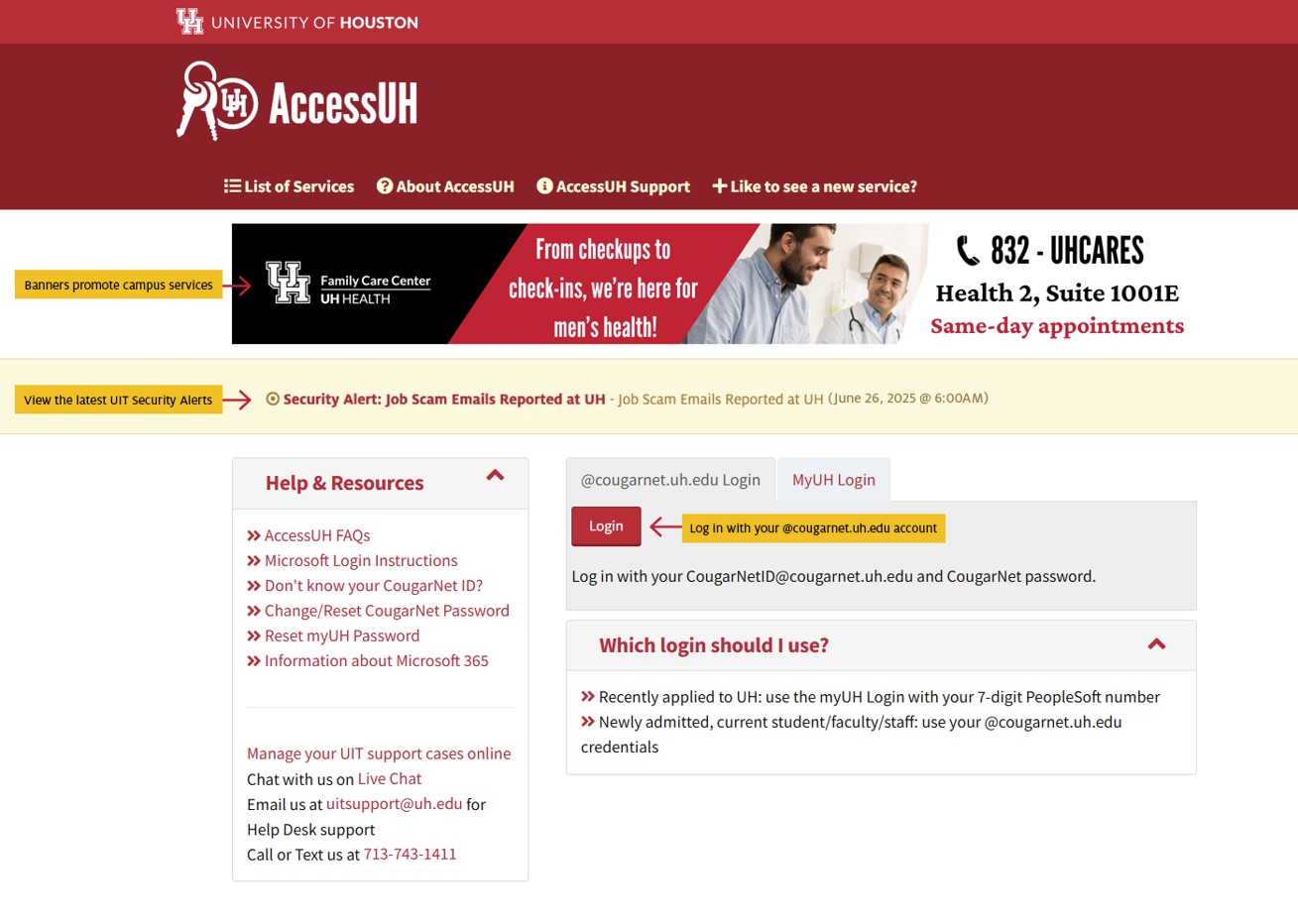
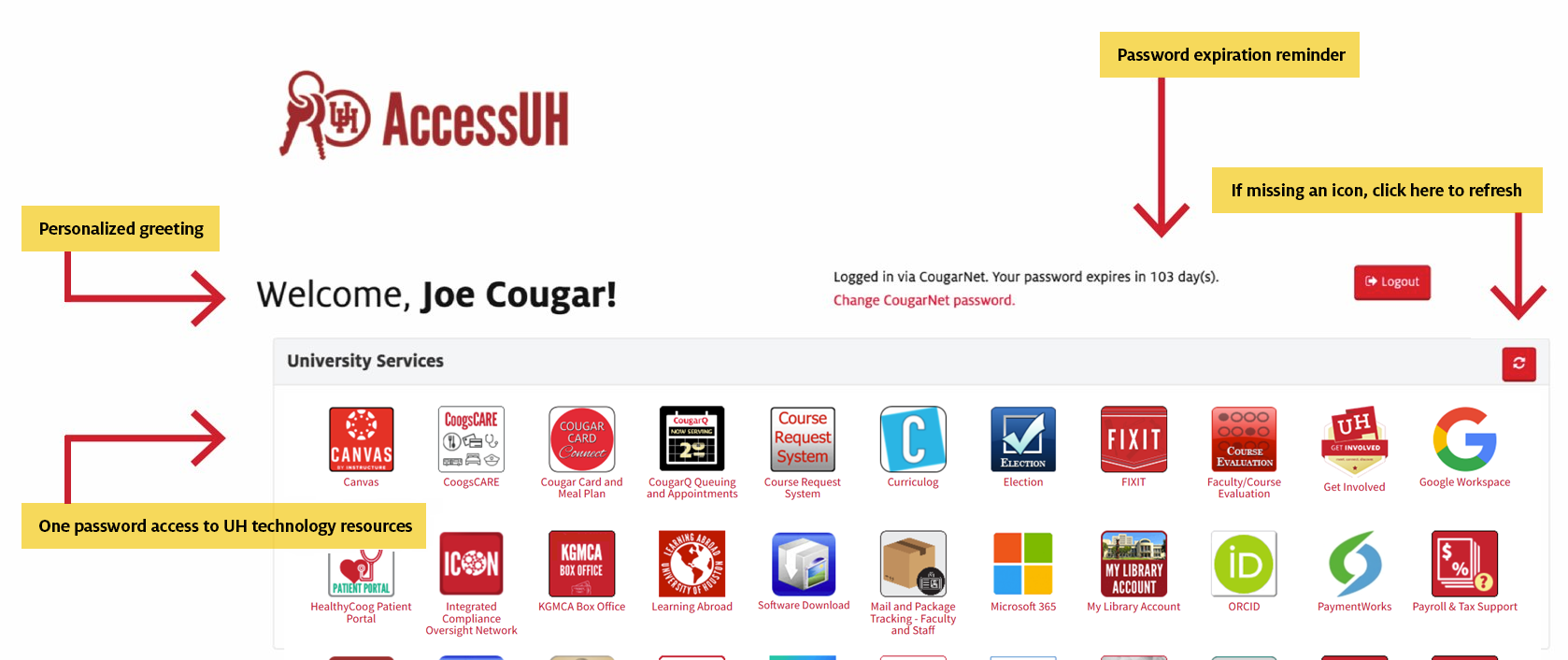
Find out more about AccessUH »
Multi-Factor Authentication (MFA)
MFA adds an extra layer of security when you log into your account to prevent unauthorized access. You log in with something you know (your password) and something you have (your phone). MFA is the most effective way to secure our computer accounts and it is easy to use. If you’ve ever received a text message to confirm your identity when logging into an online retailer or banking site, you’ve used MFA. It allows you to confirm your identity by text message, mobile application, and other methods.
Access wireless networks on campus
UH provides high-speed Wi-Fi access in classrooms, libraries, and throughout most of campus. UIT recommends connecting to the UHSecure wireless network. Learn how you can improve your Wi-Fi experience.
Find out more about Wi-Fi on campus »
Download Software
UIT offers multiple options to easily download software such as UH VPN and virus protection. Log in with your Microsoft 365 credentials.
Learn more about free/discounted software »
Microsoft Teams
Microsoft Teams is a workspace for real-time collaboration and communication, meetings, file and app sharing, and more. When you create a Team, you are also creating a Group.
Frequently Asked Questions
These FAQs guide you through setting up view or edit permissions for external guests across Teams, OneDrive, and SharePoint.
Microsoft Teams Meetings
- How do I invite non-UH faculty to a Microsoft Teams meeting?
- How do I send the meeting invitation link to non-UH faculty?
- Can I remove non-UH faculty from a Teams meeting?
- Do guests need Microsoft Teams installed to join a meeting?
- How do I enable the waiting room in Microsoft Teams?
Microsoft Teams Site
- What does it mean to add a non-UH faculty member as a guest on a Teams site?
- How do I add a non-UH faculty member as a guest to my Teams site?
- How do I know when a non-UH faculty member has joined a Teams site?
- How can I remove a non-UH faculty member from my Teams site?
- How does a non-UH faculty member see my status in Teams?
OneDrive
OneDrive is the approved cloud storage solution for the University of Houston.
SharePoint
Outlook
Dropbox Alternatives
- What are some alternatives to Dropbox for file sharing and collaboration?
- What are the advantages and disadvantages of Dropbox alternatives?
Get Help with your questions
It is easy to find answers to your questions. You can search our knowledge base, call, or chat live with our support team.