Answer a Call
To answer a call:
- When you receive a call, a Call Notification appears in the lower right corner of your screen.
- Click the Handset icon shown inside of the notification.
The Call Notification looks similar to one of the following:
| Skype for Business - Windows | 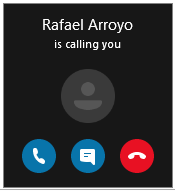 |
|
SFB 2013/2015 - Windows |
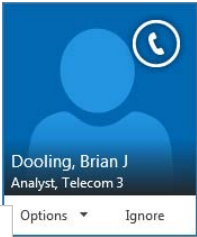 |
|
SFB 2016 - Mac |
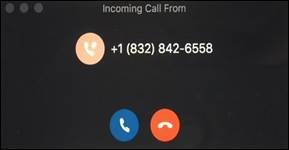 |
For Skype for Business (SFB) related questions or problems, send email to sfbsupport@uh.edu.