
Cougarnet Now Protected by Microsoft Authenticator
Providing greater integration and security with UH apps.
-

A Unified Microsoft Environment
-

Fewer Interruptions, More Focus
-

Seamless Access to Resources
-

Protection Against Common Threats
What is Multifactor Authentication?
Multifactor Authentication (MFA) is an additional layer of authentication beyond your CougarNet email and password. It involves:
- Something you know: Your password.
- Something you have: A verified device, such as your smartphone running the Microsoft Authenticator app.
This dual-verification method ensures that even if a someone guesses or steals your password, they cannot access your account without physical possession of your trusted device.
How Number Matching Works
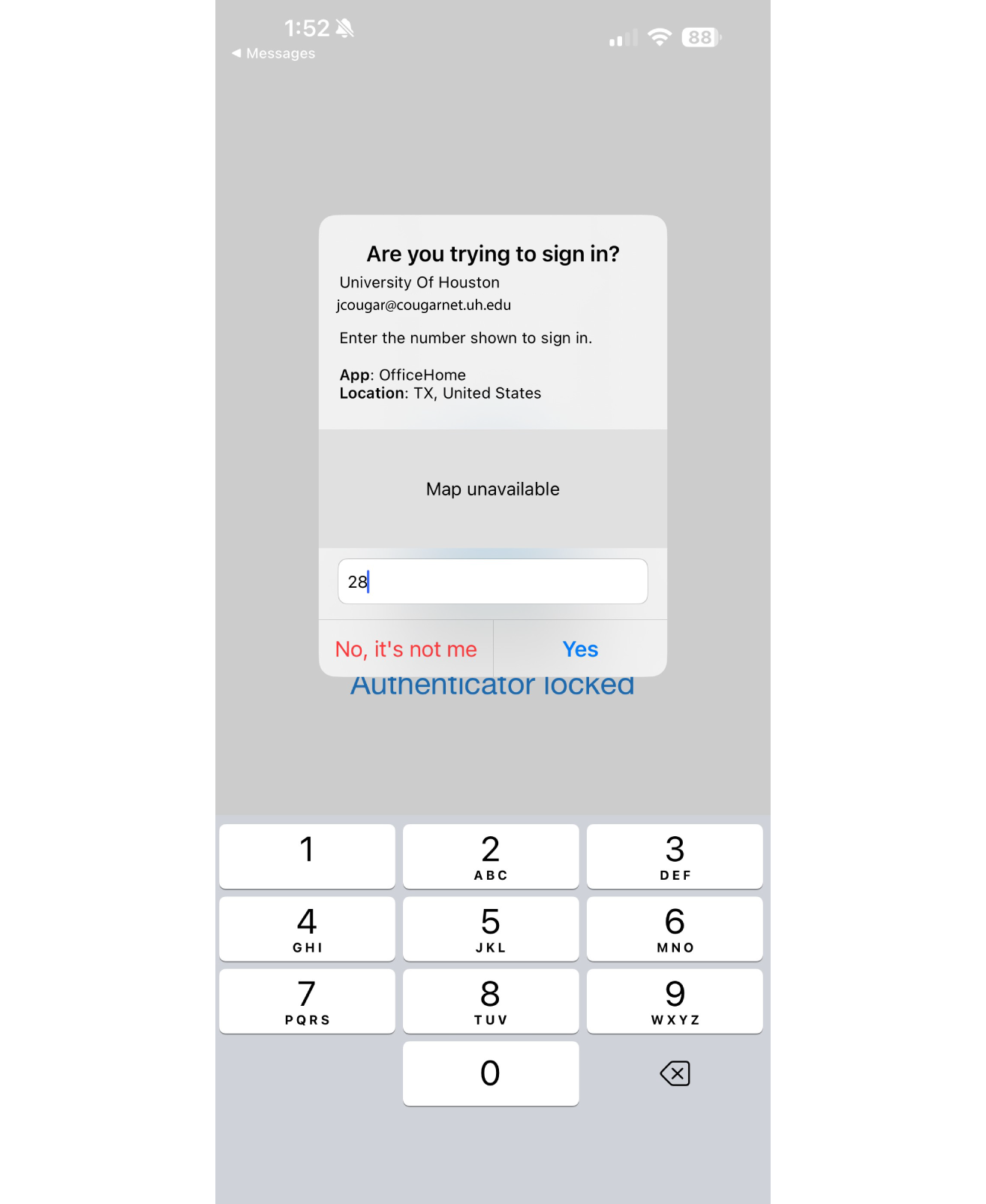
Look: Your computer screen will display a number.
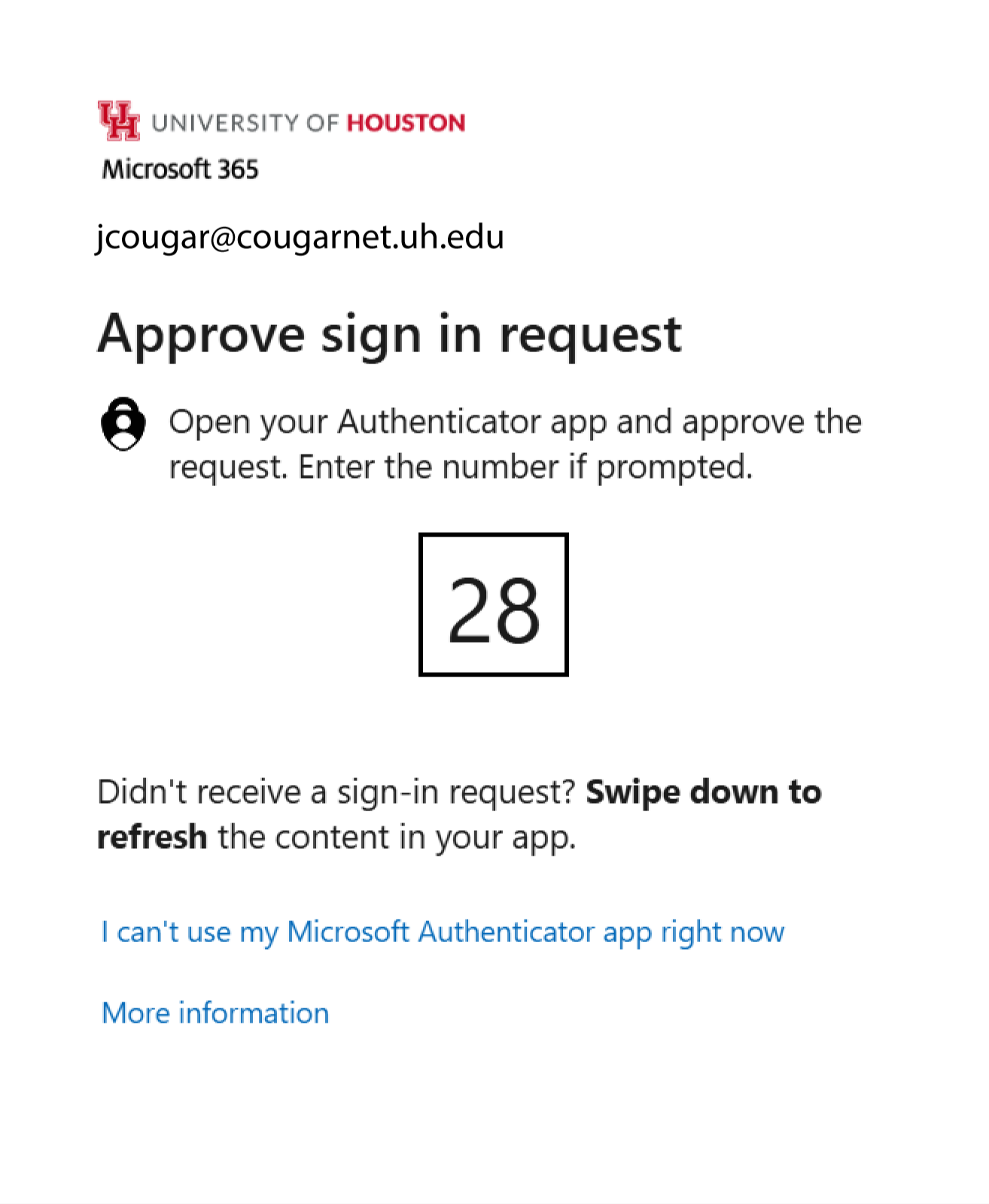
Type: Enter that number into the app on your phone.
Authentication Methods
Number Matching using the Microsoft Authenticator app isn't the only MFA method you
can use. Review the available options below to decide which is right for you, though
we strongly recommend the App for the best experience.
| Method | How it Works | Security Level | Recommended |
|---|---|---|---|
| Microsoft Authenticator App (Number Matching) | Type the number shown on screen into the app. | High | ✔ |
| Microsoft Authenticator App (Passkey) | Sign in using your face, fingerprint, or PIN. | High | ✔ |
| Security Key | Plug in a USB device and touch to verify. | High | |
| SMS/Text Code | Receive a 6-digit code via text message. | Low | |
| Phone Call | Receive an automated call and press #. | Low |
Transition Timeline
| Phase | Audience | Date |
|---|---|---|
| 1 | Pilot team + UIT | 2/26 |
| 2 | Early adopters + faculty and staff + new accounts | 3/2 - 5/15 |
| 3 | Students | 5/15 (after finals) |



Frequently Asked Questions
Support
Need help?
Phone or text: 713-743-1411
Chat with Live Agent: Click the chat icon (bottom right) and type 'Chat with a live agent'
Email: uitsupport@uh.edu