Microsoft 365 and Canvas
For information on how to sign into Microsoft 365 and Canvas, select one of the following:
Microsoft 365
Choose one of the following methods to sign in to Microsoft 365:
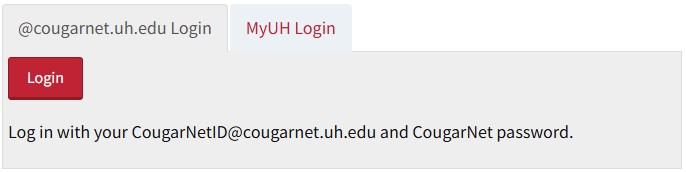
1. Log on to AccessUH using your Microsoft 365 credentials.
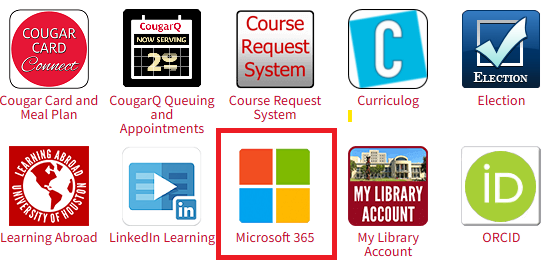
2. Choose the Microsoft 365 icon.
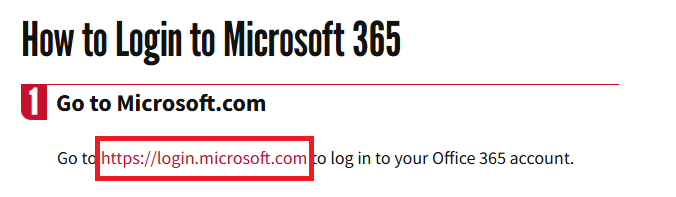
3. Click the https://login.microsoft.com link.
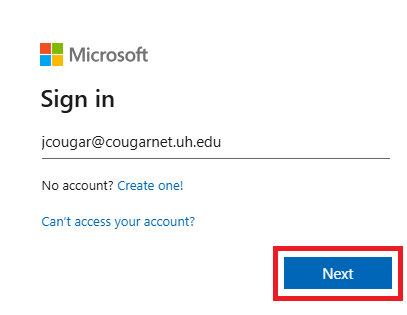
4. Enter your CougarNet email address and click Next.
5. Enter your CougarNet password and click Sign in.
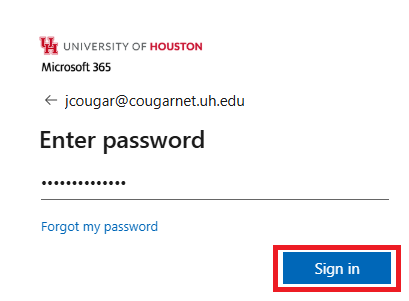
1. Go to https://login.microsoft.com.
2. Enter your CougarNet email address and click Next.
3. Enter your CougarNet password and click Sign in.
Canvas
Choose one of the following methods to sign in to Canvas:
- www.accessuh.uh.edu click the Canvas icon
- https://uh.edu/canvas/ click the Canvas icon
Make sure to use your Microsoft 365 credentials to access Canvas.