Updating a Faculty or Staff Email Address
In accordance with UH System policy SAM 07.A.07, Use of Electronic Messaging Services By Employees, the email alias destination address for all employees must be a university account.
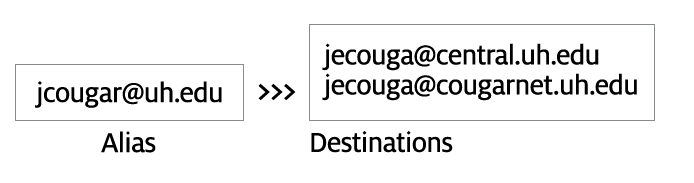
- Log into AccessUH
- Select PASS
- Select "My Personal Info"
- Select "Contact Details" on the menu to the left
- Under "Email"
- If type "Destination" is listed double click on the field
- Update "Email Address"
- Cilck "Save"
- If type "Destination" is NOT listed click the plus sign
- In "Email Type" drop down the Choose "Destination"
- Update "Email Address"
- Click "Save"